Figma Experience
Pixel-perfect design-to-code conversion and original UI design.
Overview
How I've used Figma
Figma sits at the start of almost every project I take on — either reading someone else's design to convert into code with zero compromises, or designing the interface myself before I build it.
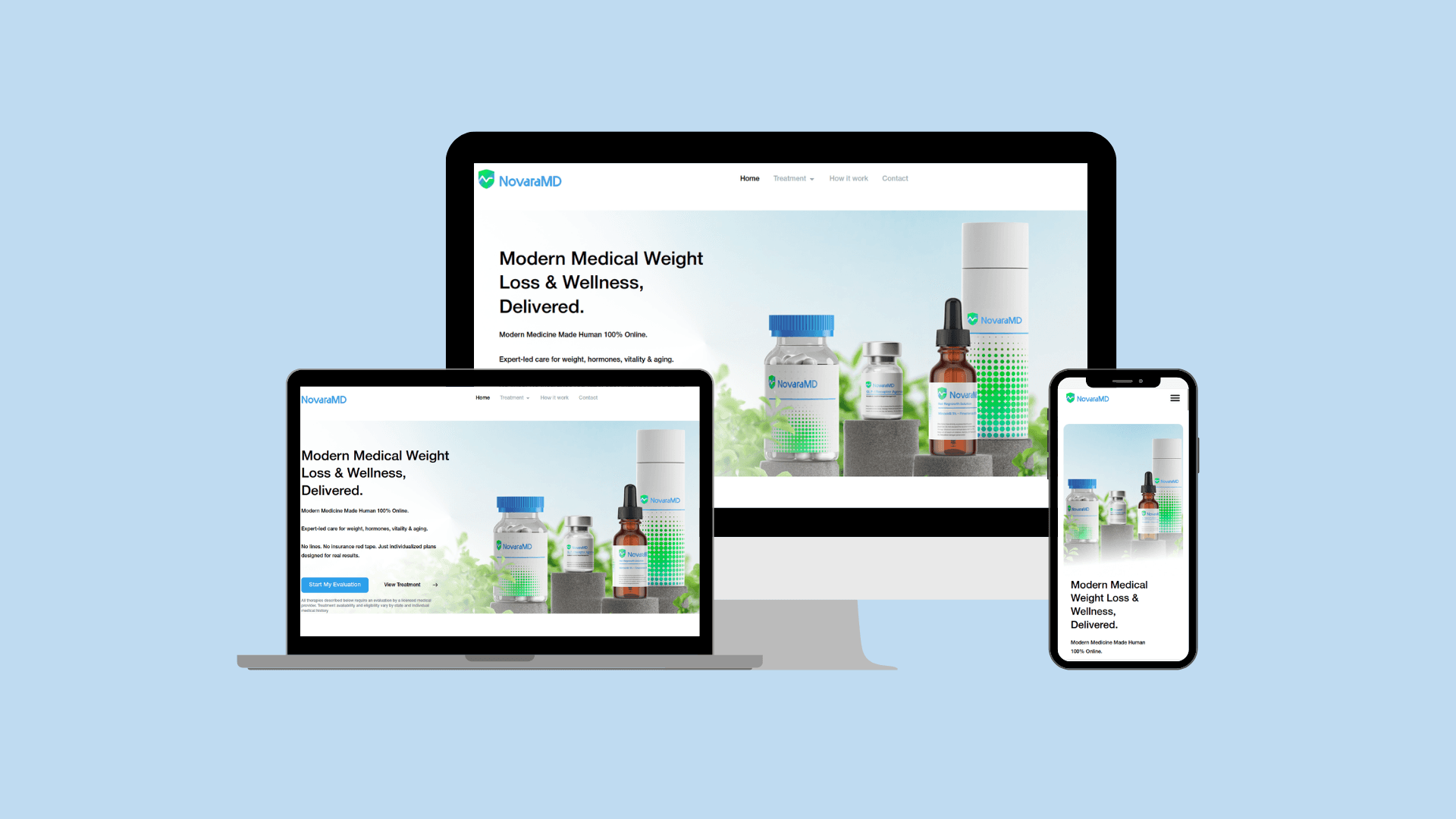
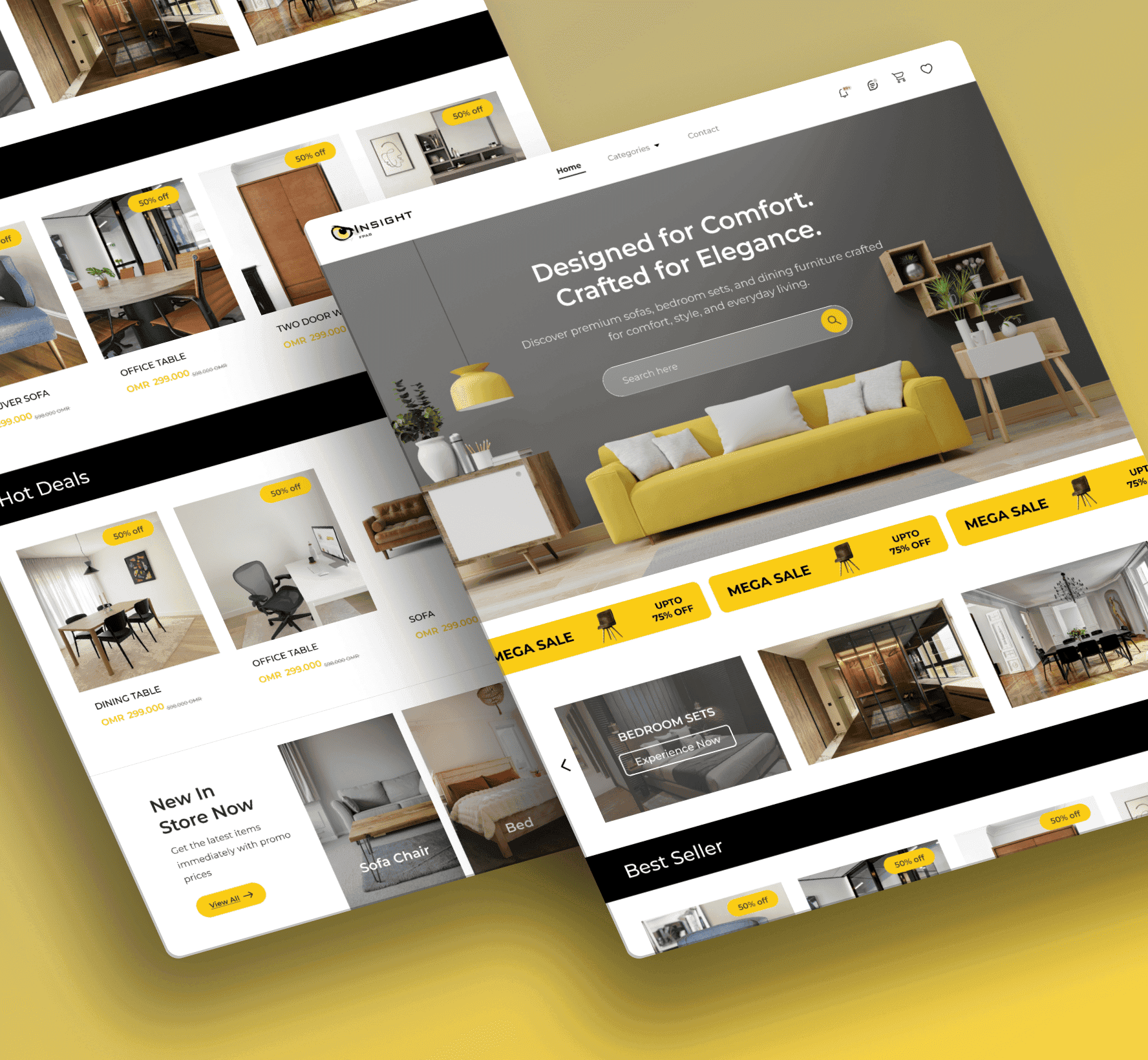
On projects like Novara MD, WeTotalCare, and a custom furniture e-commerce build, I worked from client-supplied Figma files and converted them to WordPress/Elementor with exact spacing, typography, and interaction states preserved — the kind of pixel-matching that separates a 'looks close enough' build from one that's actually faithful to the design. For projects without an existing design, I design directly in Figma first: wireframes, then high-fidelity mockups with auto-layout and components set up cleanly enough to hand off to development (myself or someone else) without ambiguity.
What I can do
Specific Figma capabilities
- ✓Pixel-accurate Figma-to-code conversion (HTML/CSS, WordPress, React)
- ✓Auto-layout and component-based design systems for clean dev handoff
- ✓Wireframing through high-fidelity UI design
- ✓Responsive design specs across breakpoints
- ✓Client collaboration — design review cycles, feedback loops, version control
Proof, not just claims
Real projects built with Figma
.png&w=3840&q=75)
FAQ
Common questions about my Figma work
Can you build from a design I already have in Figma?+
Yes — sending me the Figma file (with edit/dev access) is the fastest way to start a project. I'll convert it pixel-for-pixel into WordPress, Elementor, or custom code depending on what the project needs.
Do you also do the design work, not just development?+
Yes — for projects without an existing design, I design the UI in Figma first, get sign-off, then build. This avoids the back-and-forth of designing inside the CMS itself.
Related skills